Three-Day In-Person Masterclass
Enterprise Networking Masterclass
A three-day live, in-person training experience that teaches participants how to build, configure, troubleshoot, and plan enterprise network infrastructure.
To register, message our Facebook page. We will confirm the next schedule, the venue, and what to prepare.
- Format
- Live, in-person, instructor-led
- Duration
- 3 days
- Approach
- Multi-brand principles and hands-on practice
- Schedule
- Announced on our Facebook page
Inside the Training
Photos from previous sessions
What the three days actually look like — equipment on the bench, configurations being built, and participants working through the scenarios.
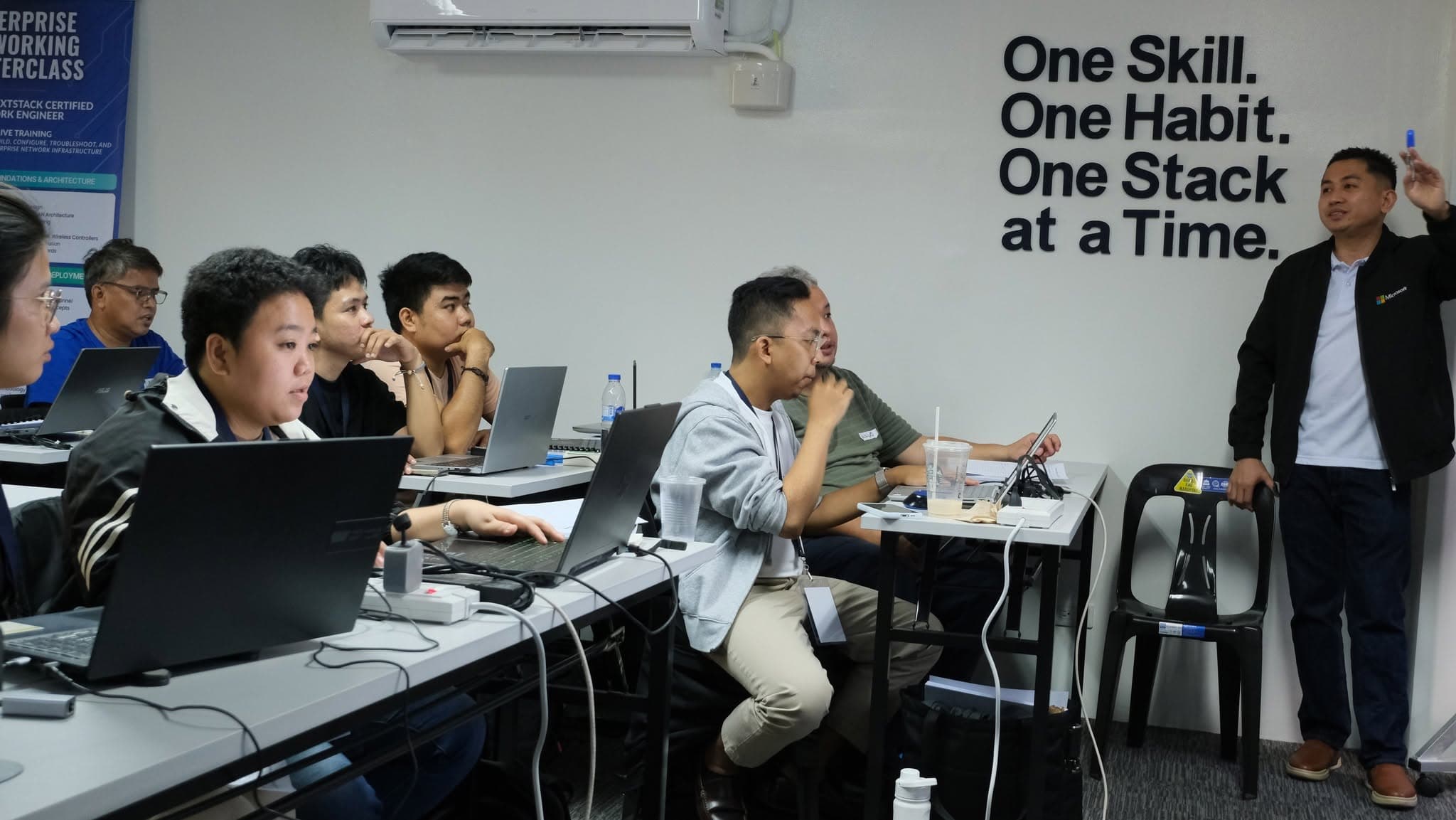
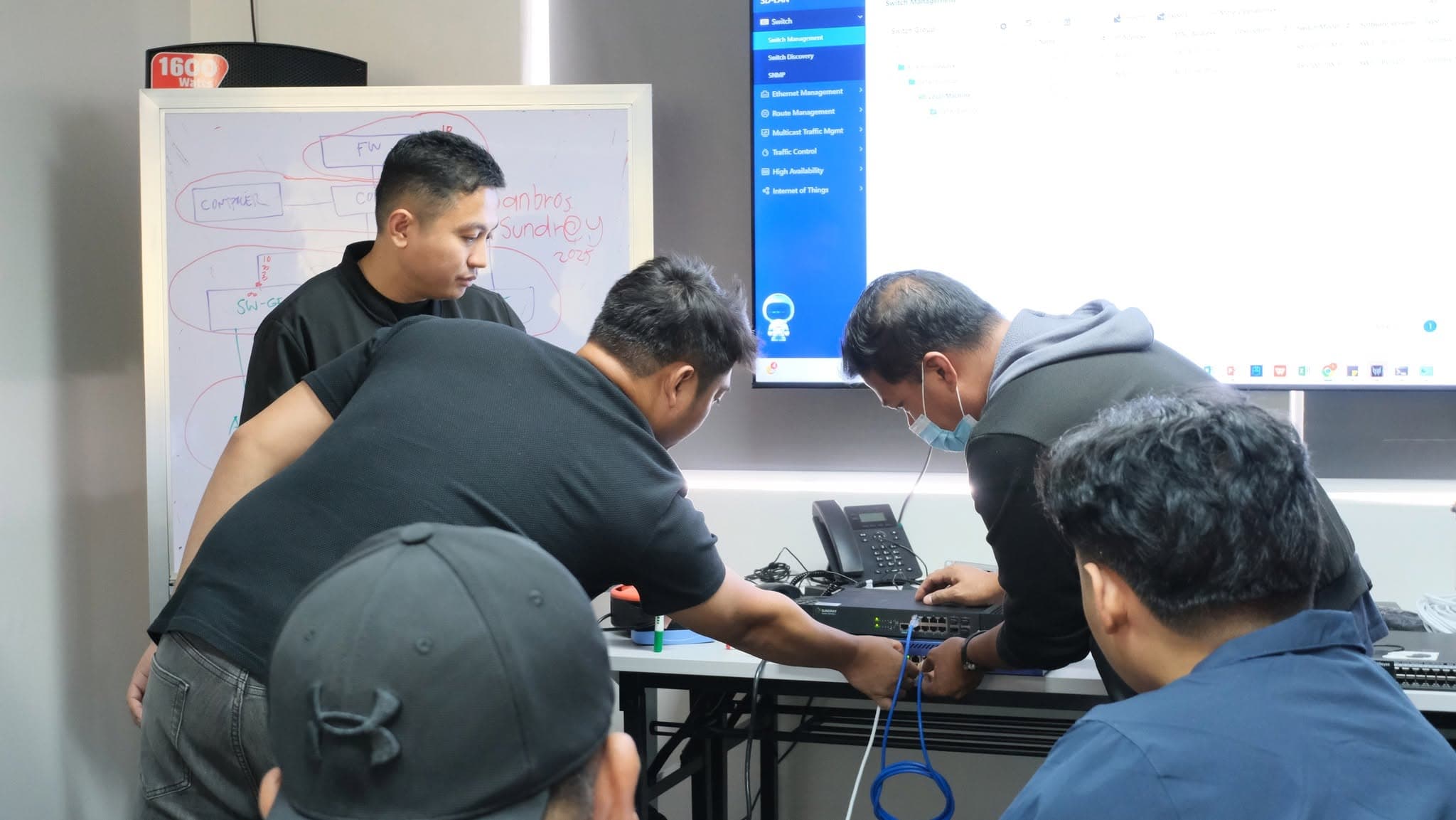
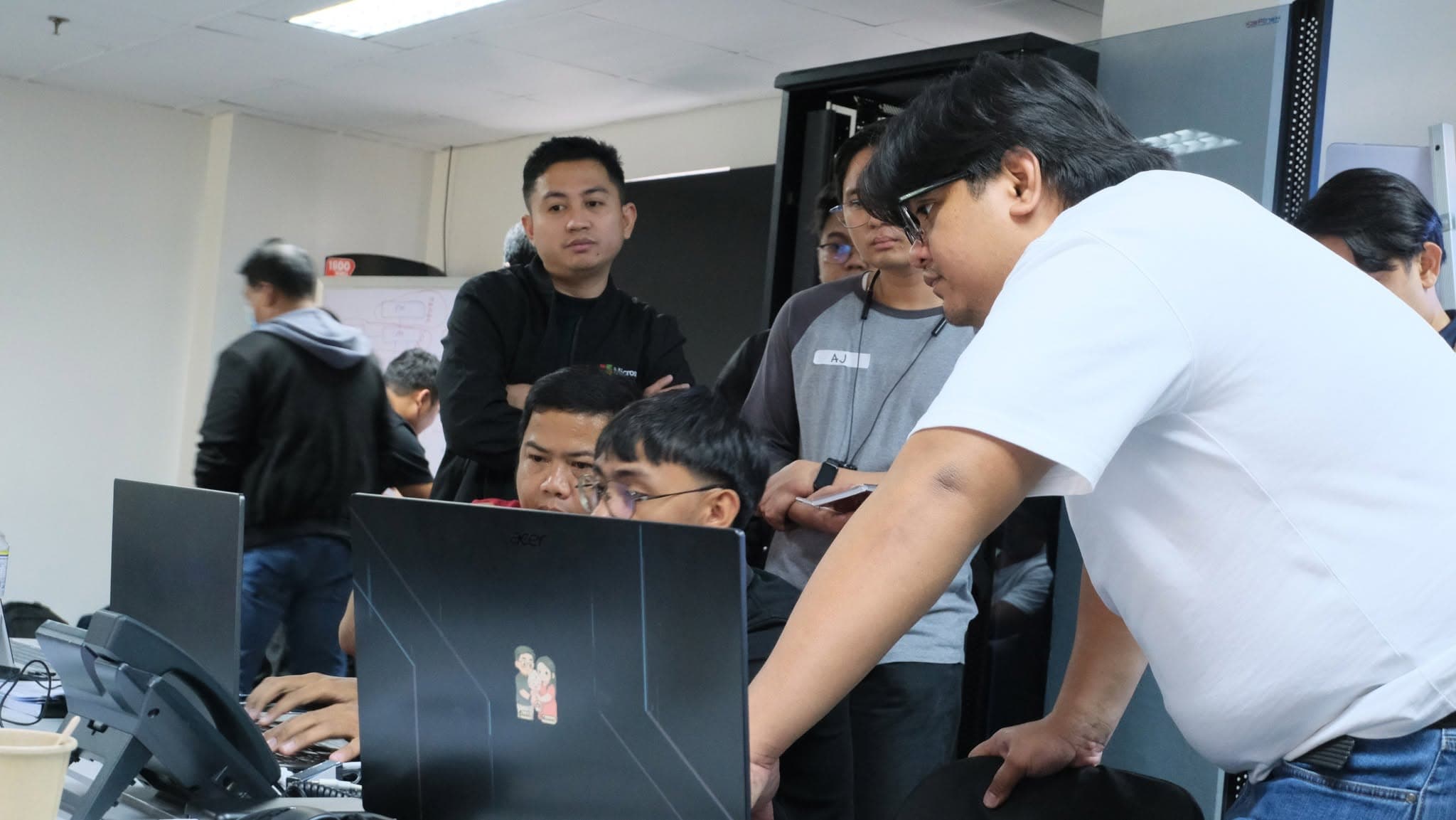
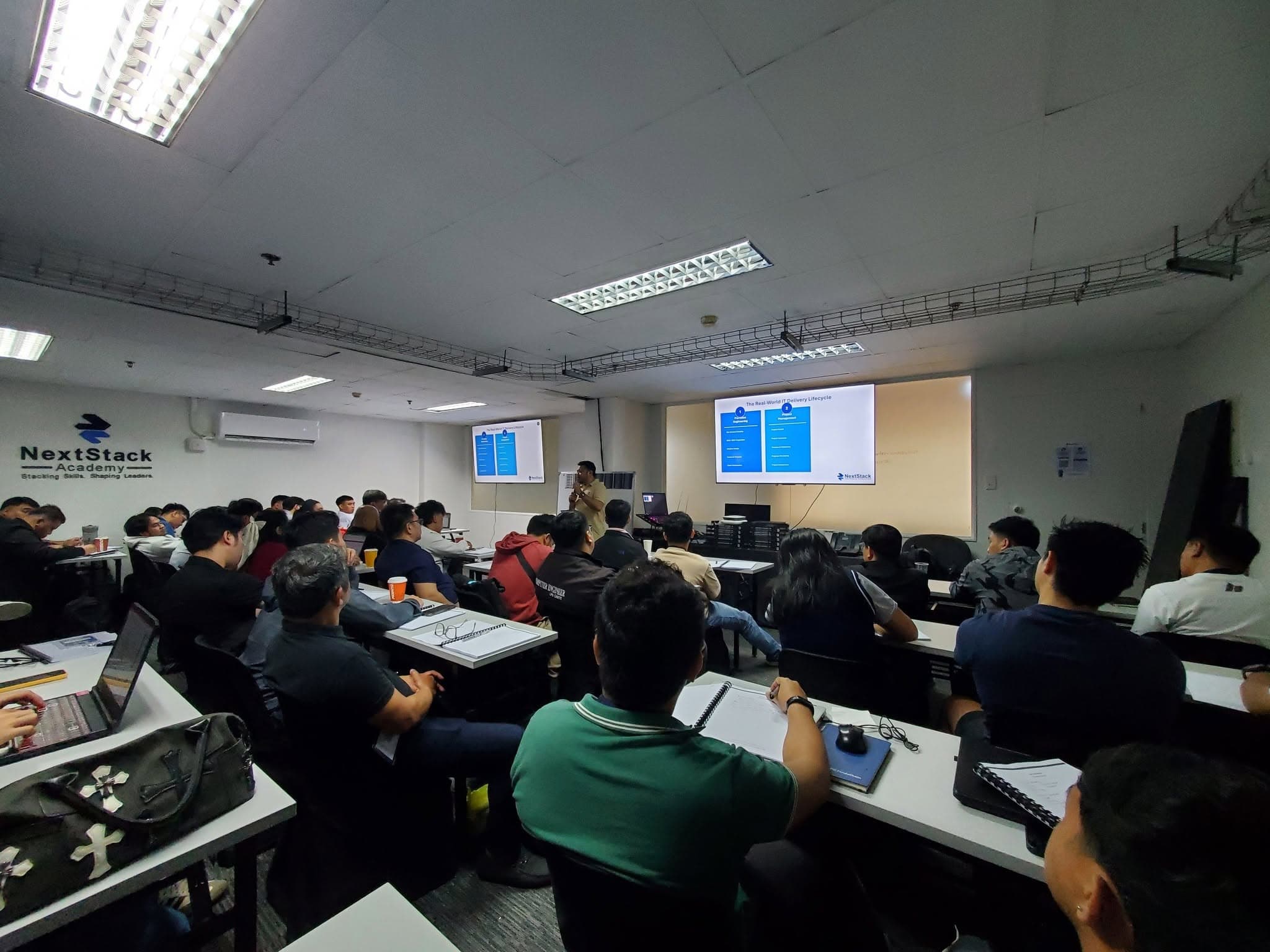


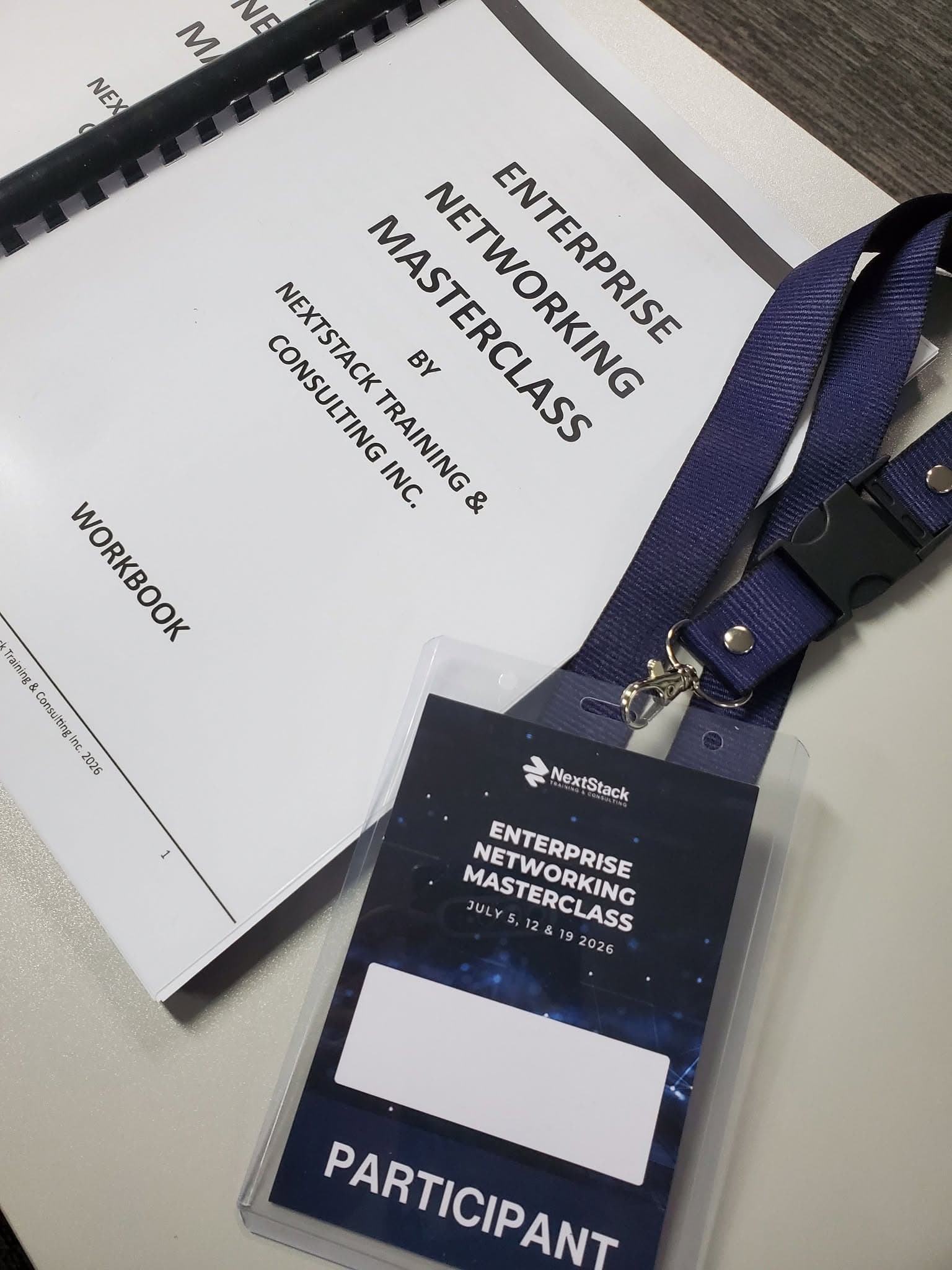
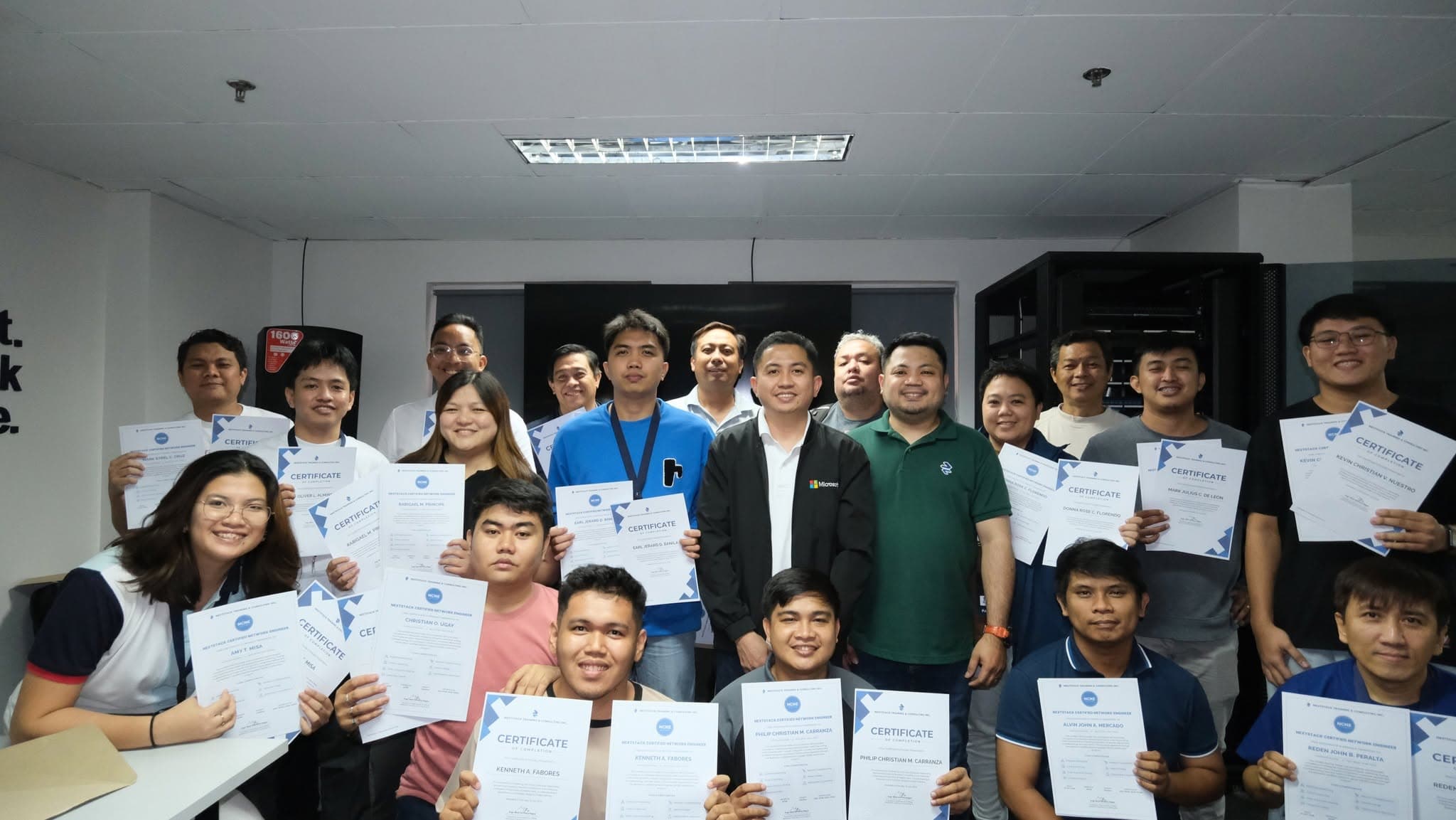
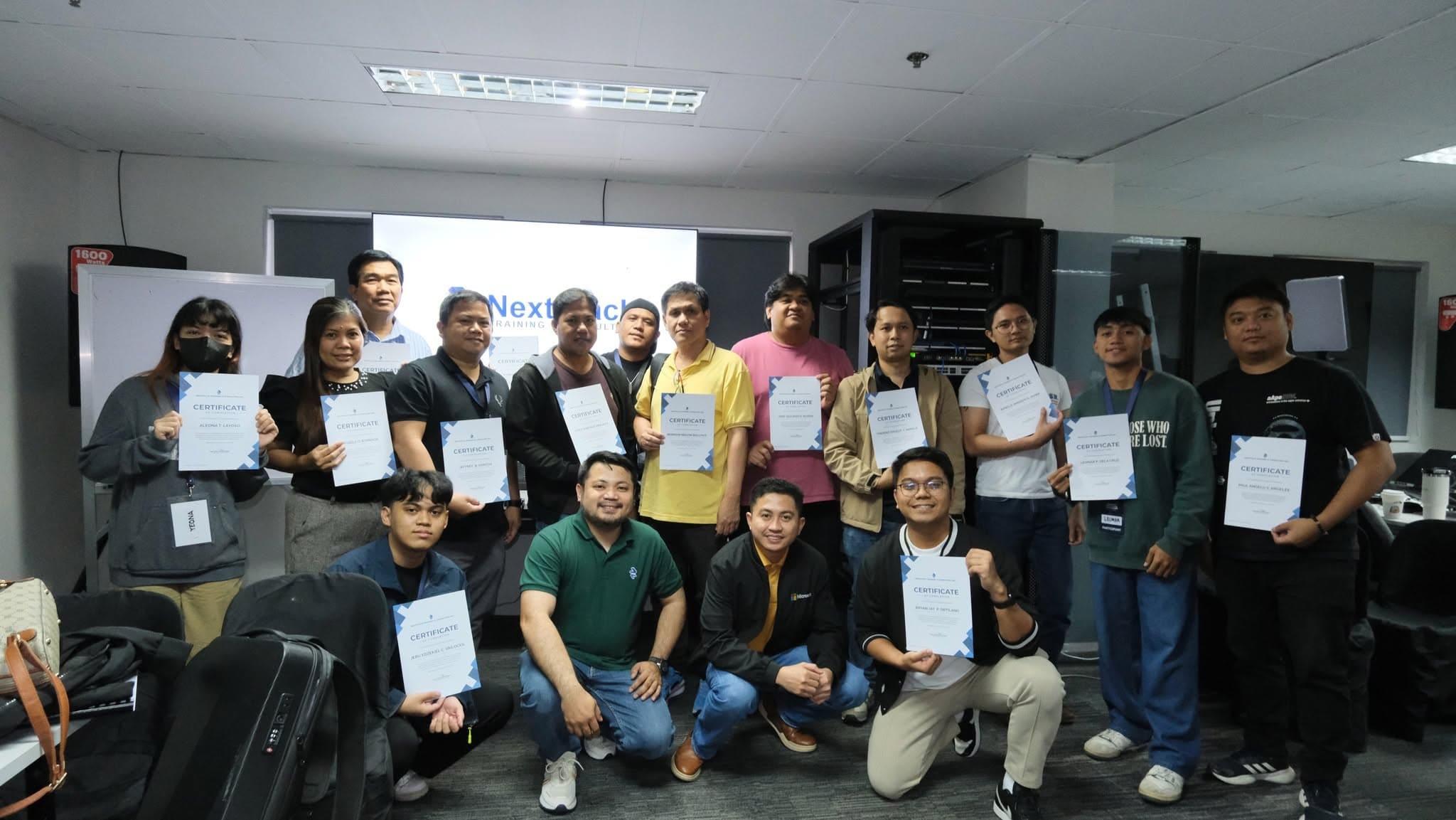
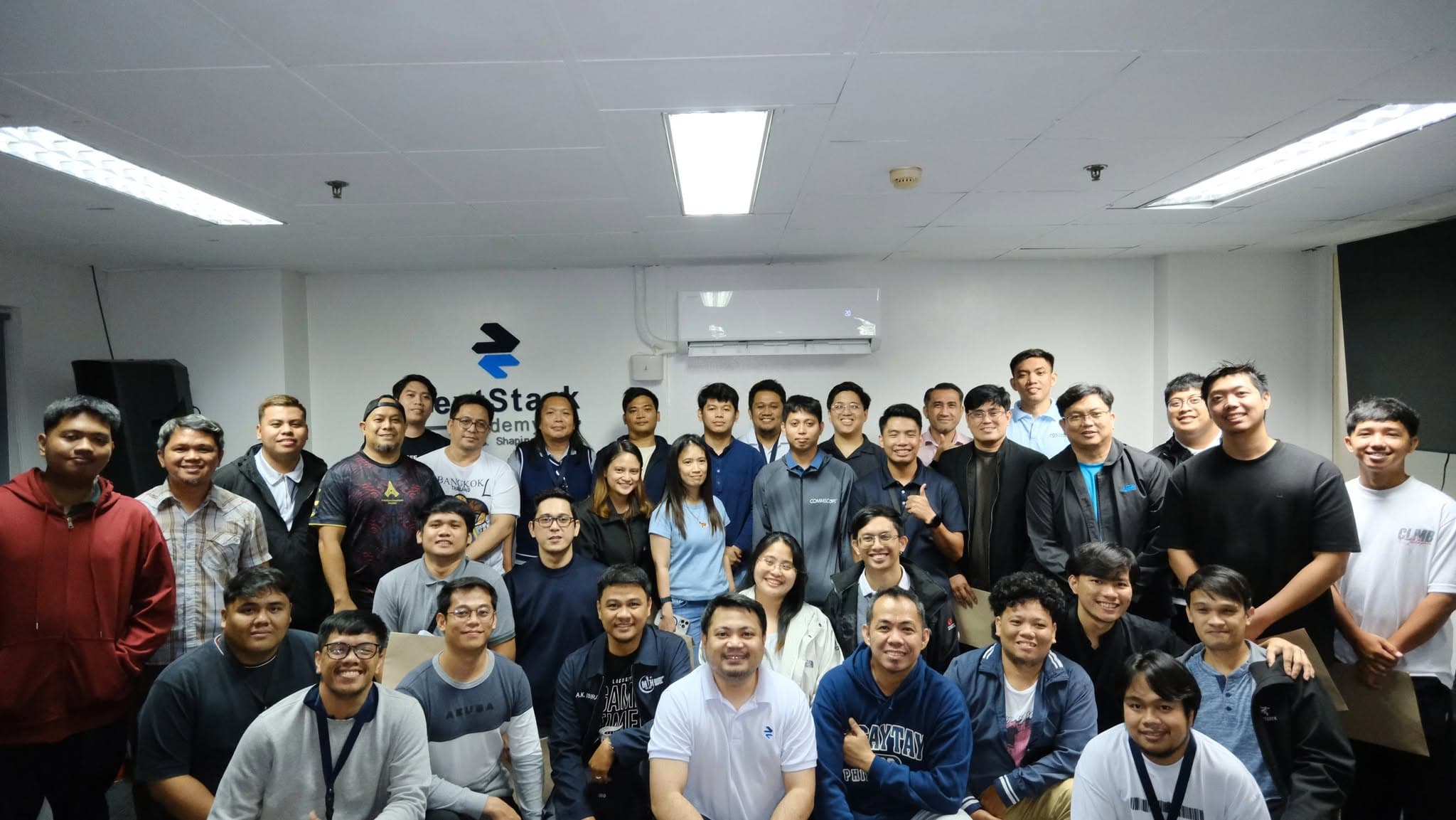
1 / 10 Instructor-led session in the NextStack training room
Who This Training Is For
Most people are not stuck because they lack ability
They are stuck because the learning had no structure, and because nothing they studied was ever tested on live equipment. If the left-hand list sounds familiar, this training was built for you.
Does this sound familiar?
- Learning random topics with no clear progression from one to the next.
- You know the theory — VLANs, routing, firewalls — but have never applied it on a live device.
- No one to explain why a design decision was made, or what good practice actually looks like.
- No hands-on time with enterprise equipment, and none at all across different platforms.
- Never had to isolate a fault under pressure with real traffic on the wire.
- No path that connects cabling, networking, security and specialization in order.
- You can do the work, but cannot scope it, document it, or hand it over.
What the three days change
- You design before you configure — addressing, segmentation and topology, with reasons you can defend.
- You configure on real equipment while the instructor explains each decision as it is made.
- You troubleshoot by evidence, using a repeatable method instead of changing things until it works.
- You see how the same principles carry across different vendor platforms and interfaces.
- You leave with documentation — diagrams, IP plans, a bill of materials — that you can show.
No certification is required to attend. You do need enough exposure that the vocabulary is familiar and three days can move at working pace.
Who is usually in the room
Help desk and technical support staff
You resolve tickets daily but the network itself is still a black box. This gives you the architecture behind what you are supporting.
Junior network administrators
You can follow existing configurations. Here you learn why those configurations exist and how to design the next one.
Career shifters with basic exposure
You have studied networking concepts or hold an entry certification and need the practical, hands-on layer on top of it.
Freelancers and small-project engineers
You want to quote, design, deploy, and turn over network projects properly instead of only doing the installation labor.
The Differentiator
Why multi-brand networking matters
Learn how core networking principles translate across different enterprise platforms, interfaces, and operational environments.
Most training locks you into one vendor’s command set. That works until you walk into a site running something else — and in the Philippine market, mixed environments are normal. A single office can have one brand at the core, another at the edge, a third handling wireless, and a firewall from someone else entirely.
An engineer who only memorised commands stalls at that point. An engineer who understands what a trunk is, how spanning tree converges, why OSPF picked that path, and what a firewall policy is evaluating will find the equivalent function in any interface.
An honest note on equipment: we do not claim every brand will be physically present at every session. What we commit to is teaching the principles in a way that transfers, and showing where platforms differ in interface, terminology, and default behaviour.
Concepts that transfer
VLANs, trunking, STP, routing protocols, and policy logic behave the same way regardless of the badge on the chassis.
Interface differences made explicit
Where terminology and defaults diverge between platforms, we call it out rather than assuming you will discover it on site.
Confidence in mixed environments
The practical outcome: an unfamiliar device becomes a documentation lookup, not a blocker.
What Participants Will Learn
Four parts, built to move from architecture to delivery
Each part answers a different question: how should this be designed, how is it configured, how do I prove what is wrong, and how do I win and deliver the project.
- OSI and TCP/IP models applied to real traffic behaviour
- IP addressing and subnetting for enterprise environments
- VLAN planning and network segmentation
- Switching and routing fundamentals
- Inter-VLAN routing and gateway placement
- Enterprise LAN architecture and topology design
- Network devices and the role each one plays
- Copper and fiber infrastructure integration
- Network documentation and standards
- VLAN and trunk configuration
- Spanning Tree Protocol behaviour and control
- Link aggregation and EtherChannel concepts
- Static routing and route selection logic
- OSPF fundamentals and area design
- Introductory BGP concepts
- Firewall fundamentals and security policy structure
- Wireless infrastructure deployment and optimisation
- Network segmentation and access control
- Multi-brand configuration concepts and interface differences
- Real-world deployment scenarios
- Structured troubleshooting methodology
- Physical and data-link layer issues
- VLAN and trunk misconfiguration patterns
- Routing failures and path verification
- Packet-flow verification end to end
- Monitoring and network analysis
- Configuration backup practices
- Change management discipline
- Preventive maintenance routines
- Incident handling and escalation
- Real-world IT operations workflow
- Site survey execution
- Requirements analysis and clarification
- Enterprise network solution design
- Bill of materials preparation
- Cost-estimation principles
- Network rack and infrastructure planning
- Capacity planning and scalability strategy
- Technical proposal preparation and presentation
- Project coordination
- Deployment planning
- Client turnover
- Documentation standards
Training Method
How the three days actually run
Theory and practice are not separated into different days. Each topic moves from explanation to demonstration to your own hands on the equipment.
- 01
Principle first, then the interface
Every topic starts with what the protocol or design is actually doing. The command syntax comes after — because syntax is the part that changes between brands.
- 02
Instructor-led demonstration
You watch the configuration being built live, with the reasoning narrated, before you work through it yourself.
- 03
Guided hands-on practice
Practical activities on equipment reinforce each lesson while the instructor is present to correct approach, not just output.
- 04
Scenario-based application
Deployment and fault scenarios modelled on real enterprise situations, including the constraints that make them awkward.
Expected Learning Outcomes
What you should be able to do afterwards
Outcomes are written as capabilities, not topics covered. These are the things you should be able to perform or explain by the end of day three.
Read and design an enterprise network
Segment a network with VLANs, plan the addressing, choose where routing happens, and explain the topology you produced.
Configure with intent, not from memory
Apply trunking, spanning tree, link aggregation, static routing, and OSPF while understanding what each one changes on the wire.
Troubleshoot with a repeatable method
Isolate physical, VLAN, and routing faults using evidence and verification steps rather than trial and error.
Apply baseline security and segmentation
Understand firewall policy structure and access control well enough to segment a network responsibly.
Manage the project through to handover
Plan a deployment, sequence the work and the crew, apply change management, handle incidents and escalation, and keep a project on track to turnover.
Handle the presales and delivery side
Run a site survey, produce a bill of materials, estimate cost, prepare a proposal, and turn the project over with documentation.
What to Bring
Bring your training essentials
Please bring the following during the training.
Our Enterprise Networking Masterclass is highly hands-on.
To maximize your learning experience, please come prepared so you can participate in all laboratory activities without delays.
Detailed joining instructions, venue directions, and any session-specific requirements are sent once your registration is confirmed.
Ballpen
For note-taking during the lecture sessions.
Laptop
Required for all hands-on lab activities.
USB-to-Ethernet adapter
RequiredFor connecting your laptop to network equipment during the hands-on laboratory using the Cat6 patch cord.
Want to join the next batch?
Schedules are announced on our Facebook page. Message us there to register your interest and we will confirm the next available dates and venue details.
FAQ
Questions people ask before joining
No certification is required. The masterclass is designed for people who already have some exposure to networking concepts — through work, school, or self-study — and want to convert that into practical capability. If you are starting from zero, the IT Career Accelerator is a better first step.
No. NextStack teaches transferable networking principles and shows how they translate across different enterprise platforms, interfaces, and operational environments. You will work with equipment during the sessions, but the goal is understanding that carries over rather than memorised commands for a single vendor.
Equipment availability depends on the specific session. Rather than promise a fixed brand list, the training focuses on how core networking principles apply across platforms so that you can work confidently with whatever is in front of you on site.
The masterclass is built around real-world execution, not exam preparation. Many topics overlap with common networking certifications, but we do not position this as an exam review course and we make no claims about examination results.
Three things: a ballpen for note-taking during the lecture sessions, a laptop for all hands-on lab activities, and a USB-to-Ethernet adapter. The adapter is required — it is how your laptop connects to the network equipment using the Cat6 patch cord during the laboratory, and without one you will not be able to join those activities. Detailed joining instructions, venue directions, and any session-specific requirements are sent once your registration is confirmed.
Schedules are announced on the NextStack Facebook page. Message us there to register your interest and the team will confirm the next available dates and venue details with you directly.
Message us on Facebook (opens in a new tab)Ready to work on real enterprise networks?
Three days of design, configuration, troubleshooting, and project-delivery practice — taught so the skills transfer to whatever equipment is on your next site.